

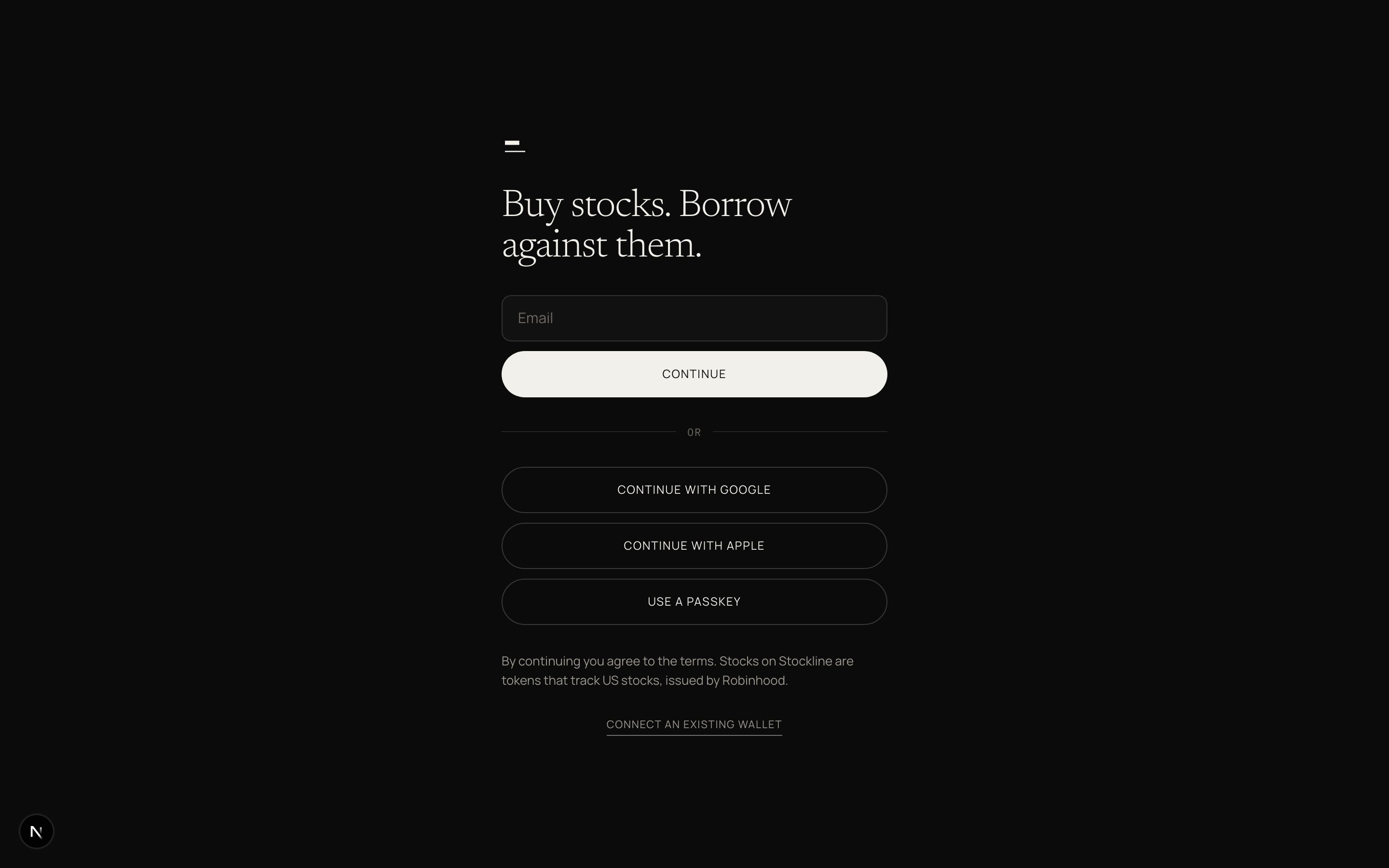
Sign in with email, Google, Apple, or a passkey.
1
Sign in
Email, Google, Apple, or a passkey. One screen, one field.Connect an existing wallet through a small link on the same screen if you already have one.
2
Deposit
Start with dollars. Pick Cash, Crypto, or Stocks you already hold.
- Cash
- Crypto
- Stocks
Card, bank transfer, or mobile money where it is offered.
Amount, method, done. Arrives as dollars in Cash.
3
Buy your first stock
Search by name or ticker. Twelve names at launch.Buy and sell in dollars. Amount or quantity, one review, one tap.From $1. US stocks you know.
/faucet in the app. A TESTNET chip sits next to the market clock. None of it is real.
The first screen after sign-up is deposit because nothing else works without money in the account. Home then shows three rows: Stocks, Dollars, and a Loan if one exists. One primary action per state. No stocks: Buy your first stock. Stocks and no loan: Borrow against your stocks. Loan open: Repay.
Read What you own before the first fill. The same sentence appears in the app before first buy, on every receipt, and on every stock page.
Nothing arrived after I sent crypto
Nothing arrived after I sent crypto
Wait under two minutes. Check you sent an accepted asset on Robinhood Chain. Then tap I have sent it.
I do not have a card or bank
I do not have a card or bank
Use Crypto, or on testnet use the faucet. Cash rails vary by corridor.
I already hold stocks in another wallet
I already hold stocks in another wallet
Move stocks from another wallet. That wallet stays yours and is never your Stockline account.